Skip to content
Sizing, slope and code, dimensionedAll tools free

Software for plumbers compared

Updated 2026-10-27

Software for plumbers is one app that takes the call, puts the job on a tech's phone, prices it from a price book and sends the invoice. The five below all do that. Where they differ is how they charge as the crew grows, which plan unlocks QuickBooks, and how hard they are to leave, so this page compares those three things, as each vendor printed them on 2026-10-27.

Lowest printed list price, one user

Jobber Core

Twenty-nine dollars a month billed annually, thirty-nine on a one-year term or forty-nine with no commitment, the list prices printed on 2026-10-27.

Printed entry plan with a price book

Housecall Pro Basic

Fifty-nine dollars a month billed annually for one user, and Basic already lists scheduling, dispatch, estimates, invoicing and a price book.

Best for adding techs

Service Fusion

Every plan has unlimited users; in the vendor's words, one technician or twenty, the pricing is the same.

Best for a call-booking office

ServiceTitan

Call booking, dispatching and the pricebook are in its Starter package; it prices per technician, on request.

Costs and estimating
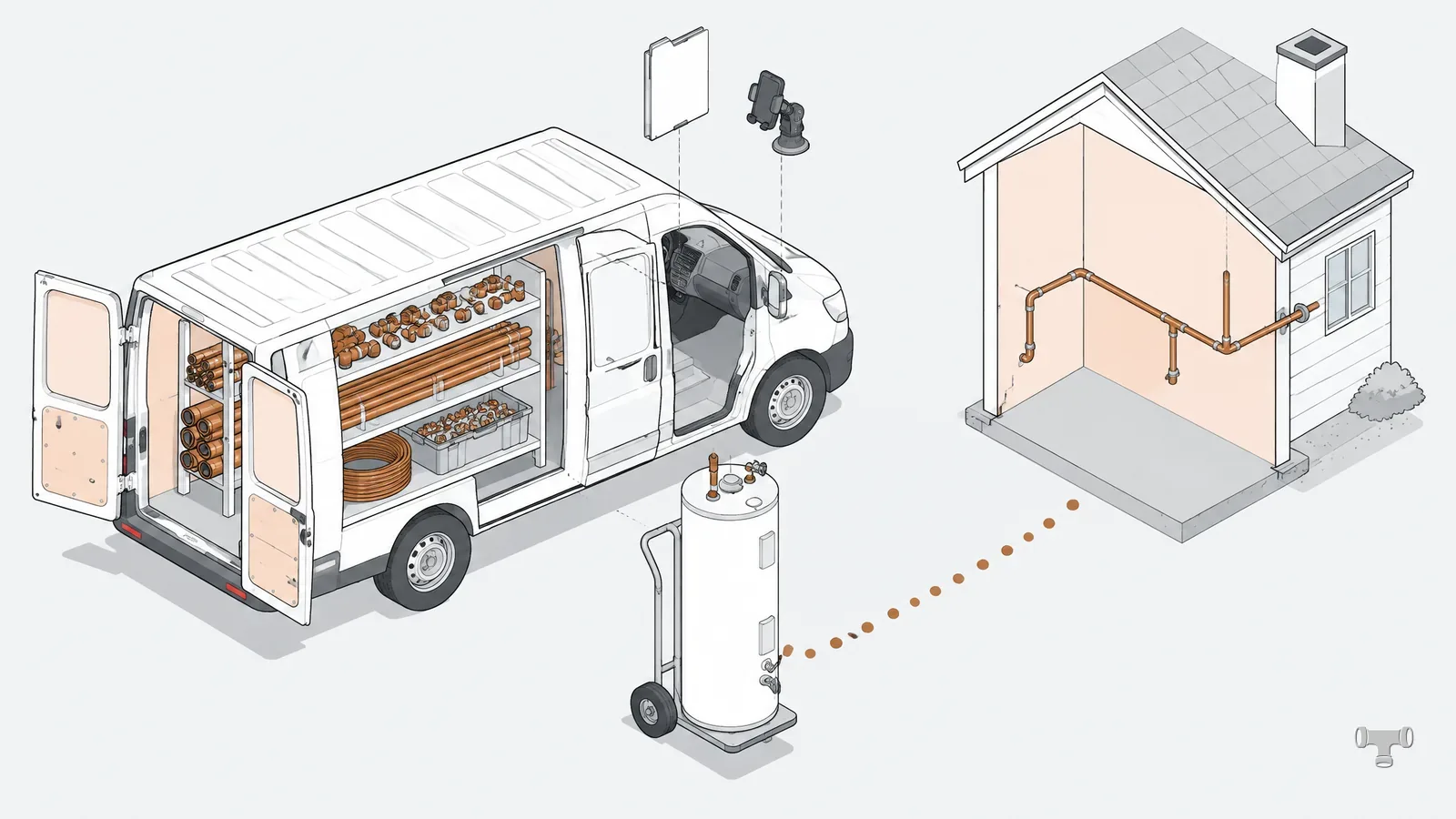
Isometric illustration of an open plumbing service van with its parts shelving, a water heater on a hand truck and a route to a house
A service van opened up: the stock, the route and the job folder the software now carries.

Best plumbing software at a glance

What each vendor lists on its own pricing and plumbing pages, read on 2026-10-27. “Entry plan” means the smallest plan; a feature that starts higher names the plan where it starts.

Vendor pricing pages and plumbing pages, read 2026-10-27
FactorServiceTitanHousecall ProJobberFieldEdgeService Fusion
How it pricesPer technicianPlan, users includedPlan, by team sizePlan, by team and add-onsPlan, unlimited users
Price printedNoYesYes, beside an introductory offerNoYes
Scheduling and dispatchStarterBasicScheduling on CoreBasic on Select, advanced from PremierStarter
Price book or flat ratePricebook, every tierPrice book on Basic, flat rate from EssentialsNot named on the pricing pageEvery planFlat Rate Integration product, plan not stated
QuickBooksOnline and DesktopOnline, from EssentialsOnline, from Connect; also XeroOnline and Desktop, every planOnline and Desktop, every plan
Field appiOS and AndroidiOS and Android, freeiOS and Android2 to 6 licences by planTechnician app
ContractNot printedNo long-termYour choice of threeContract periodsMonth to month

Which page to read first

Pricing models split the field. A one-van shop wants a printed price, a growing crew wants to know what a hire costs, and a shop with a dispatcher wants call booking and a dispatch board. Read the verdict row that matches your shop, then its card.

Plumbing business management software, vendor by vendor

Each card says how the vendor prices, what its smallest plan carries for a plumbing shop, and the one thing to ask before signing. None is ranked above another: the verdict rows at the top name the criterion each pick won on.

ServiceTitanPer technician

Three packages, Starter, Essentials and The Works, all priced per technician and all behind a “Request Pricing” button. Starter already lists dispatching, scheduling, call booking, invoicing and the pricebook. Essentials adds mobile estimates and payroll management; The Works adds advanced reporting, commission tracking and customizable memberships.

Its plumbing page names QuickBooks Online, QuickBooks Desktop Premier and Desktop Enterprise, and a field app for iOS and Android. The pricing page states no contract term, so ask for the term and the per-tech rate in writing.

Housecall ProUsers per plan

Basic, Essentials and Max, with 1, 5 and 8 users included. Basic lists online booking, scheduling and dispatch, estimates and invoicing, a price book and job costing. QuickBooks Online sync, flat-rate pricing, routes and employee GPS start at Essentials; recurring service plans, route optimization and the open API sit on Max.

The mobile app is free on every plan. The company says it does not require long-term contracts, and the trial runs 14 days on Max with no card. Extra users on Max are $35 /mo each.

JobberTeam size

Core, Connect, Grow and Plus, each priced by team size and billing term. Core books and schedules jobs online, sends quotes and invoices, and builds a website. QuickBooks Online sync starts at Connect, and Jobber also syncs with Xero. Plus includes 5 users; more are $29 /mo each.

Core lists at $29 /mo billed annually, $39 /mo on a one-year term and $49 /mo with no commitment, after the introductory offer it was running on 2026-10-27. The trial is 14 days on Grow with no card.

FieldEdgeMobile licences

Select, Premier and Elite, every one on request; FieldEdge says the price depends on how many technicians or employees you have and which add-ons you take. All three carry the pricebook and flat-rate pricing, invoices, integrated payments and QuickBooks Online and Desktop.

Mobile app licences are counted per plan: 2 on Select, 4 on Premier, 6 on Elite. Select dispatches at a basic level; Premier and Elite get advanced dispatching. A downgrade waits for the end of the current contract period.

Service FusionUnlimited users

Starter, Plus and Pro, each with unlimited users, so the bill does not move when a tech is hired. All three list scheduling and dispatching, estimates, invoicing, payment processing and QuickBooks integration, with a two-way sync for QuickBooks Online and Desktop.

Every plan is month to month with no contract; paying annually takes 15% off. Inventory management and job costing start at Plus. GPS fleet tracking is an add-on on every plan, not included.

What a plumbing app costs per month

Three of the five print a price. The other two quote one, and the size of the crew is what they ask first. These are list prices read on 2026-10-27, before card processing, add-ons and the introductory offers some vendors were running that day.

Each vendor's own pricing page, read 2026-10-27. Service Fusion's annual price is charged as one payment at sign-up.
Vendor and planBilled annuallyBilled monthlyUsers
Housecall Pro Basic$59 /mo$79 /mo1 included
Housecall Pro Essentials$149 /mo$189 /mo5 included
Housecall Pro Max$299 /mo$329 /mo8 included, then $35 /mo each
Service Fusion Starter$208 /mo$245 /moUnlimited
Service Fusion Plus$325 /mo$382 /moUnlimited
Service Fusion Pro$533 /mo$627 /moUnlimited
Jobber Core$29 /mo$49 /mo, or $39 /mo on a one-year term1 included, then $29 /mo each
ServiceTitanOn requestOn requestPriced per technician
FieldEdgeOn requestOn request2, 4 or 6 mobile licences

How headcount changes the bill

A shop growing from one van to six meets each pricing model differently. On Housecall Pro the jump from one user to two is a plan change, Basic to Essentials. On Jobber each user past the plan's count is a line of its own. Service Fusion charges the same with one tech or twenty. ServiceTitan and FieldEdge build the quote around the number of techs, so the hire you are planning belongs in the first sales call.

Whichever model it is, the software is overhead, and overhead is recovered per billable hour. Put the monthly figure into the overhead line of the job price calculator and see what it adds to the plumber hourly rate before you sign.

The plan price is not the whole bill

Card and bank payments taken through the app carry their own fees; Housecall Pro, for one, prints card processing from 2.59% and 1% on bank payments. Add-ons sit outside the plan too: Service Fusion lists GPS fleet tracking and its ServiceCall.ai phone tool as add-ons on every plan.

Contracts, trials and switching

The monthly figure matters less than the exit. Software that holds the customer list, the price book and every invoice is hard to leave, so read the term before the features.

Pricing pages and their FAQs, read 2026-10-27
VendorContract, as printedTrialPlan changes
ServiceTitanNot stated on the pricing pageDemo on requestNot stated
Housecall ProNo long-term contract14 days on Max, no cardUpgrade any time; downgrade at the end of the billing period
JobberMonthly with no commitment, monthly on a twelve-month minimum, or annual prepaid14 days on Grow, no cardUpgrade any time; downgrade at the end of the billing cycle
FieldEdgeContract periods, length not printedDemo on requestUpgrade any time; downgrade at the end of the contract period
Service FusionMonth to month, no contract; 15% off for annualDemo on requestNot stated

Jobber's three billing options behave differently on cancellation. Monthly with no commitment can be cancelled at any time and ends with the current billing period. The monthly option on a one-year commitment keeps billing until the twelve months are up. The annual plan is charged in full up front and is not refunded if you leave early.

Before the trial ends, export a customer list and an invoice from it. If either comes out as anything other than a plain file you can open, you know how the leaving will go.

Buying checklist

Before you sign for plumbing software

  • The quote names the plan, the users or techs it covers, and the price per added user.
  • QuickBooks sync is in the plan you are buying, not one tier up, and it matches your edition: Online or Desktop.
  • Your price book can be imported, flat-rate lines and all, not retyped.
  • The contract length, renewal and cancellation terms are in writing before the first payment.
  • Payment processing fees are read next to the plan price.
  • A test invoice and a customer export come out of the trial as files you can open.
  • The monthly cost is in your overhead before it is in your job price.